
If you’ve spent even five minutes looking into AI writing tools, you already know the problem: there are too many of them, they all claim to be “the best,” and none of the sales pages actually tell you which one you should use.
Here’s the truth that gets buried under the marketing copy: the best AI writing assistant isn’t the one with the most features, the flashiest homepage, or the longest list of “50+ templates!” It’s the one that matches the kind of writing you actually do. A tool built for cranking out product descriptions isn’t the right pick for someone trying to write a thoughtful blog post. A tool built for polishing grammar isn’t going to help you brainstorm an idea from scratch.
So instead of handing you a ranked top-10 list and wishing you luck, this guide works backward from a simple question: what are you actually trying to write? By the end, you’ll know exactly which tool fits your situation — and just as importantly, which ones you can safely ignore for now.
How We’re Judging These
Before jumping into the tools themselves, here’s what actually matters when you’re picking one:
- Output quality — Does the writing sound like a person, or does it have that unmistakable “AI wrote this” flatness?
- Ease of use for beginners — Can you sit down and get a usable result in your first five minutes, or is there a learning curve?
- Price and free tier — What can you actually do without paying, and when does upgrading become worth it?
- Best-fit use case — Every tool is good at something. The goal is matching the tool to your job, not finding one tool that’s good at everything.
Notice what’s not on this list: number of templates, number of integrations, or how many buzzwords are on the pricing page. Those things sell software. They don’t make your writing better.
The Core Comparison
Here are the six tools worth knowing about in 2026, each with a quick verdict up front so you can skim to the one that matches you.
ChatGPT — Best All-Around Starting Point
Who it’s for: Anyone who’s never used an AI writing tool before and doesn’t want to juggle five different apps.
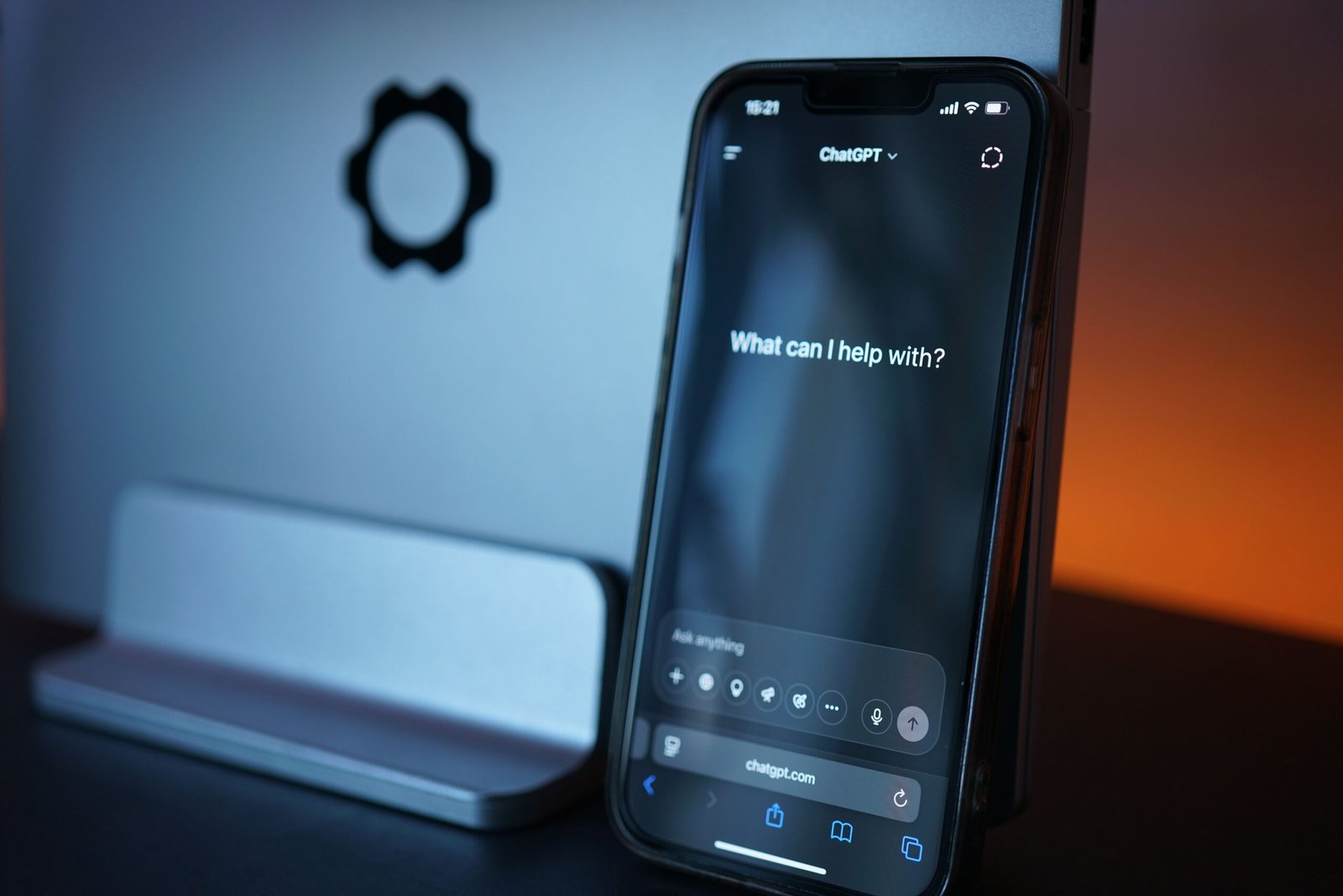
ChatGPT remains the most flexible option for a simple reason: it does everything reasonably well in one place. Brainstorming an idea, drafting an outline, writing a full first draft, rewriting a clunky paragraph, summarizing a long article — it handles all of it in a single conversation, which matters a lot when you’re new and don’t yet know what you need. There’s no separate “brainstorming mode” and “writing mode” to figure out; you just talk to it like you’d talk to a very fast, very well-read assistant.
The tradeoff is that “does everything reasonably well” isn’t the same as “does everything best.” For long, polished prose, other tools edge it out. But if you only download one app this week, this is the one.
Price: Free tier available; paid plans unlock more usage and newer models.
Claude — Best for Long-Form Prose That Doesn’t Sound Robotic
Who it’s for: Bloggers, essayists, and anyone writing something long enough that tone and flow actually matter.
If you’ve ever read AI-generated text and felt that faint, hard-to-name “something’s off” feeling, that’s usually a long-form coherence problem — the writing loses its voice halfway through, or starts repeating the same sentence structure over and over. This is where Claude tends to stand out. It’s built to hold a consistent tone and logical structure across a full-length piece rather than just stringing together good individual sentences.
For a beginner, the practical upshot is this: if you’re writing a 1,500-2,500 word blog post (like this one) and you want it to read like a person wrote it start to finish, this is the strongest pick on the list.
Price: Free tier available; paid plans for heavier use.
Jasper — Best for Teams and Brand Consistency
Who it’s for: Small businesses or marketing teams who need multiple people writing in the same voice.
Jasper isn’t really built for a solo beginner tinkering with their first blog post — it’s built for a team that needs five different people to sound like the same brand across email campaigns, social posts, and web copy. It has workflow and brand-guideline features that a single writer doesn’t need but a growing business does.
If you’re writing purely for yourself, this is probably overkill. If you’re managing content for a company with more than one writer, it earns its price tag.
Price: No meaningful free tier; positioned as a business tool.
Writesonic — Best Budget All-Rounder
Who it’s for: Someone who wants decent coverage across many content types without paying a premium price.
Writesonic won’t win any awards for the most natural-sounding prose, but it covers a wide range of content — blog posts, ads, product descriptions, social captions — at a noticeably lower price than the “premium” tools. It’s a solid, practical choice if your priority is affordability over polish.
Price: Free tier available; paid plans start around $16/month.
Grammarly — Best for Editing, Not Generating
Who it’s for: Anyone who already has a draft and needs it cleaned up, not a tool to write from scratch.
This is the one common mix-up worth clearing up: Grammarly’s grammar-checking is genuinely excellent, but its AI writing features (as opposed to editing features) are noticeably weaker than a dedicated generative tool like ChatGPT or Claude. Think of Grammarly as a very sharp-eyed editor sitting over your shoulder, not a ghostwriter. Use it to catch typos, awkward phrasing, and tone issues in something you (or another AI tool) already wrote.
Price: Free tier for basic grammar checking; paid plans for more advanced suggestions.
Rytr — Best True Free Tier for Experimenting
Who it’s for: Someone who wants to try AI writing with zero financial commitment before deciding if it’s worth paying for anything.
Rytr’s interface is about as simple as this category gets: pick a use case, fill in a few inputs, get an output. There’s genuinely no learning curve, and its free tier (roughly 10,000 characters a month) is generous enough to actually test whether AI writing fits into your routine — not just a teaser that runs out after two uses.
Price: Free tier with 10,000 characters/month; unlimited plan around $9/month.
Free vs. Paid: When to Actually Upgrade
Every one of these tools wants you to upgrade as fast as possible, so here’s a more honest signal than “when you need more features”: upgrade when a specific, recurring problem starts costing you real time or money. A few concrete examples:
- You’re hitting the free character/word limit before the month is even half over.
- You’re writing content for a business, and inconsistent tone is starting to look unprofessional across different pieces.
- You need a feature that’s genuinely locked behind a paywall — like longer-form outputs, brand-voice memory, or team collaboration.
- You’ve tested the free version on a real piece of writing you needed anyway, and it saved you enough time that the subscription pays for itself.
If none of those apply to you yet, stay on the free tier. There’s no prize for paying earlier than you need to, and most beginners get everything they need from a free plan for months before any of these signals show up.
Common Newbie Fears, Quickly Busted
“Won’t it sound robotic?” Sometimes, yes — especially with weaker tools or lazy prompts. But this is far more fixable than people expect. Giving the tool a clear instruction (“write this like you’re explaining it to a friend, not a textbook”) and editing the output yourself closes most of the gap. Quality also varies a lot between tools, which is exactly why matching the tool to the job (see above) matters.
“Will Google penalize me for using AI to write?” No — not for the fact that AI was involved. What search engines actually care about is whether the end result is genuinely helpful, accurate, and well-written, regardless of how it was produced. Thin, inaccurate, or unhelpful content performs poorly whether a human or an AI wrote it. Well-edited, fact-checked, genuinely useful content can perform just fine either way.
“Will this replace me as a writer?” The honest 2026 answer: AI accelerates the writing process, it doesn’t replace human judgment. These tools are excellent at first drafts, handling routine variations, and clearing away blank-page paralysis. What they don’t do is fact-check your claims, bring original insight, or know your audience the way you do. The writers getting the most value out of these tools are using them to speed up the parts of writing that are mechanical, freeing up time for the parts that actually require a human.
Quick-Pick Summary
If you only remember one thing from this article, remember this: start with ChatGPT if you want one flexible tool to learn on, switch to Claude if your priority is long-form writing that actually sounds like you, and try Rytr first if you want to test the waters without spending a cent. Add Grammarly on top of any of these once you have a draft to polish, and only look at Jasper once you’re managing content for more than just yourself.
There’s no single “best” AI writing assistant — only the best one for the writing job in front of you. Pick based on that, test it on something you actually need to write, and keep whichever one saves you real time.